As with all software, security researchers are constantly finding new flaws and vulnerabilities in the Windows operating system and all the different components & services it utilizes. As a result, Microsoft is continually developing corrective patches and normally releases these on the second Tuesday of every month (colloquially known as “Patch Tuesday”).
In order to ensure that your fleet of computers is running the latest patched version of the operating system, it is important that you implement a system to enforce the installation of these updates in a timely manner.
Zip Security utilizes Intune Mobile Device Management to achieve this for your Windows devices.
User Experience
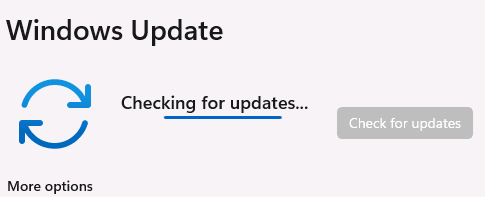
If a user proactively opens the Settings app and then navigates to the “Windows Update” section in the bottom left, then the computer will begin automatically checking for any available updates
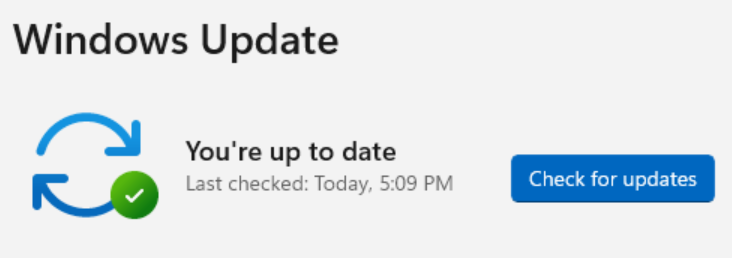
If there are no available updates, then this screen will change to an all-clear notice
If there are available updates, then they’ll begin downloading & installing immediately.
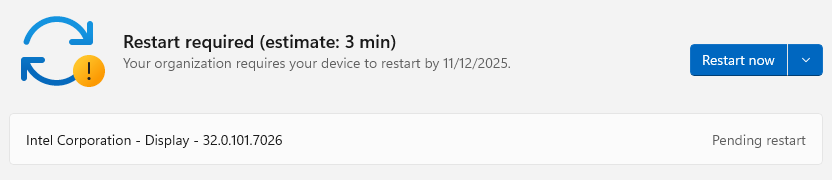
Zip OS Version Control
However if your users, like most individuals, aren’t proactively checking for updates then that’s where Zip Security’s OS Version control comes in to play
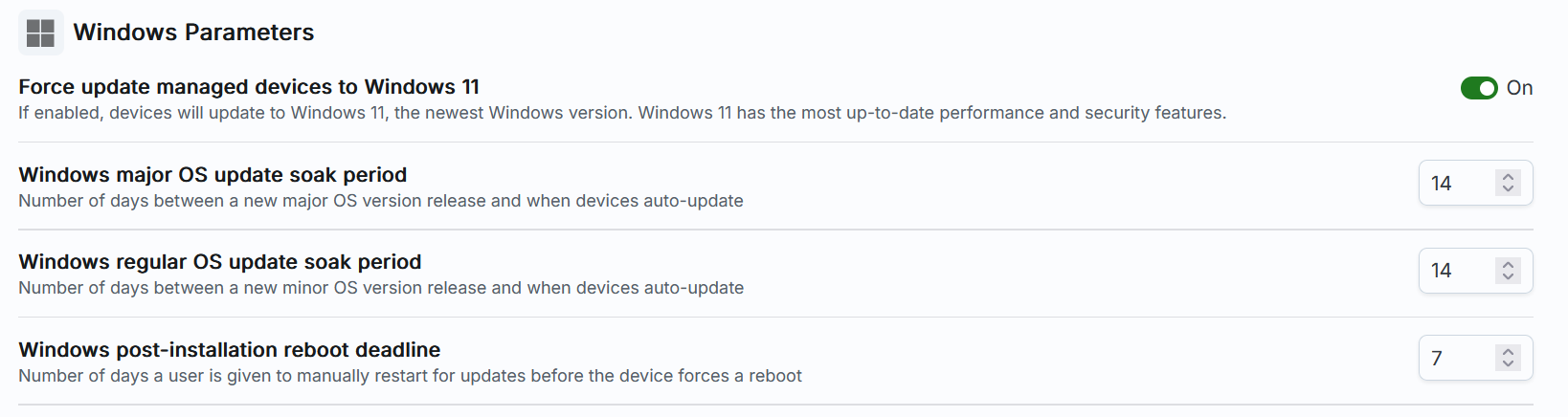
This control allows you to define a few simple parameters to ensure that your fleet is always patched & protected against vulnerabilities.
Force update managed devices to Windows 11
On October 14, 2025 Microsoft officially ended support for Windows 10, meaning that outside of a few special circumstances Microsoft is no longer releasing patches or updates for Windows 10. This makes it important to ensure that any devices in your fleet that are still running Windows 10 are forced to run the update that will migrate them to Windows 11. This toggle is the mechanism to enforce that, and defaults to enabled.
Windows major OS update soak period
Periodically Microsoft will release a major OS update that may introduce new features or significant changes to the interface. These updates are typically referred to by the half of the year in which they are released, such as 25H2 being released in the second half of 2025. Due to the scope of these updates, they typically take longer to install & therefore might render a computer unusable for up to an hour-long installation process.
This control allows you to define the days of delay between a major OS update being released and when your fleet will forcibly install that update. Users can proactively install the update at any point between release and this deadline.
Windows regular OS update soak period
Regular OS updates refer to the monthly collection of security patches that are typically released on the second Tuesday of each month. Generally these are fairly quick to install and typically take somewhere between 5-10 minutes to complete.
This control allows you to define the days of delay between a regular OS update being released and when your fleet will forcibly install that update. Users can proactively install the update at any point between release and this deadline.
Windows post-installation reboot deadline
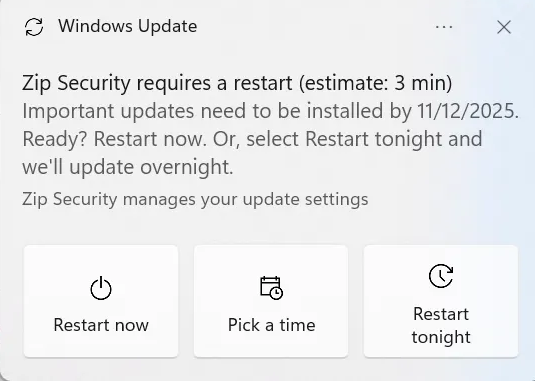
After an update is installed, Windows needs to reboot in order to finalize the installation. This reboot ensures that any files that need to be modified are not in use and allows processes to start up fresh utilizing the newly patched code. Because rebooting is disruptive to the user, Zip Security defines a Business Hours window of 8-5pm (local to the device) and prevents the update process from performing any reboots during this window.
This control allows you to define the days of delay between an OS update being installed and when your fleet will forcibly reboot (outside of business hours) in order to finalize the installation of that update. Users can proactively restart or schedule the restart at any point between installation and this deadline.