
OverviewmacOS UpdatesConfigurabilityWindows UpdatesHow to read Windows versionsWhat is Windows 11 vs Windows 10?ConfigurabilityWhy is a device showing as non compliant in the OS Version control?
Overview
Keeping devices’ OS (operating system) version up to date is one of the most important parts of keeping them secure. OS updates often include security patches that fix vulnerabilities, keeping devices as secure as possible from threats.
macOS Updates
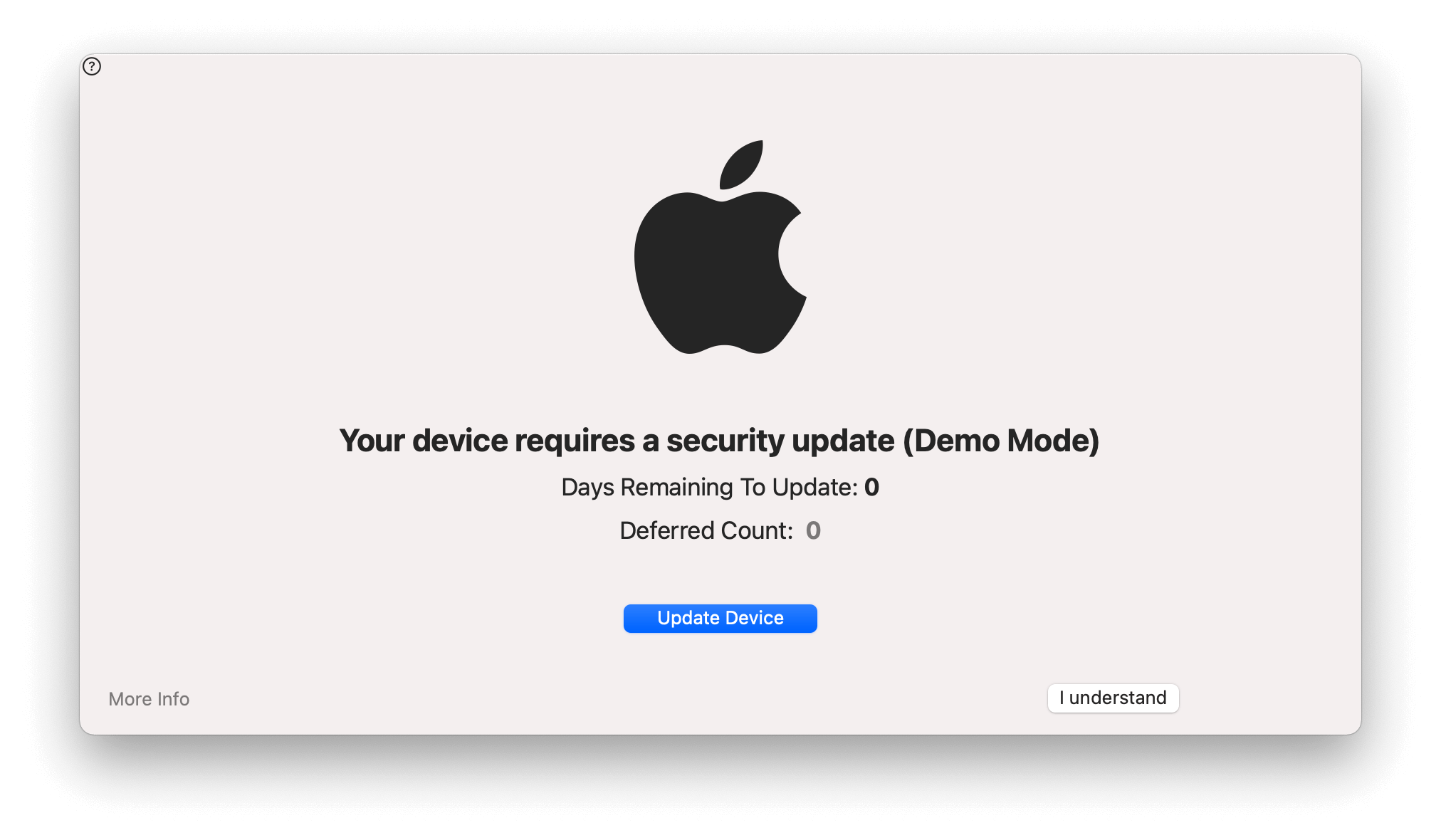
Zip deploys a tool called Nudge to enforce macOS updates. Nudge sends pop-ups to notify users that a new OS update is required. Users can defer the update for a period. To update a macOS device, the user needs to open System Settings, download the update, and reboot their device to complete the installation.
Configurability
You can configure Nudge’s behavior to match your organization's needs. Below are the parameters that are configurable in Zip:
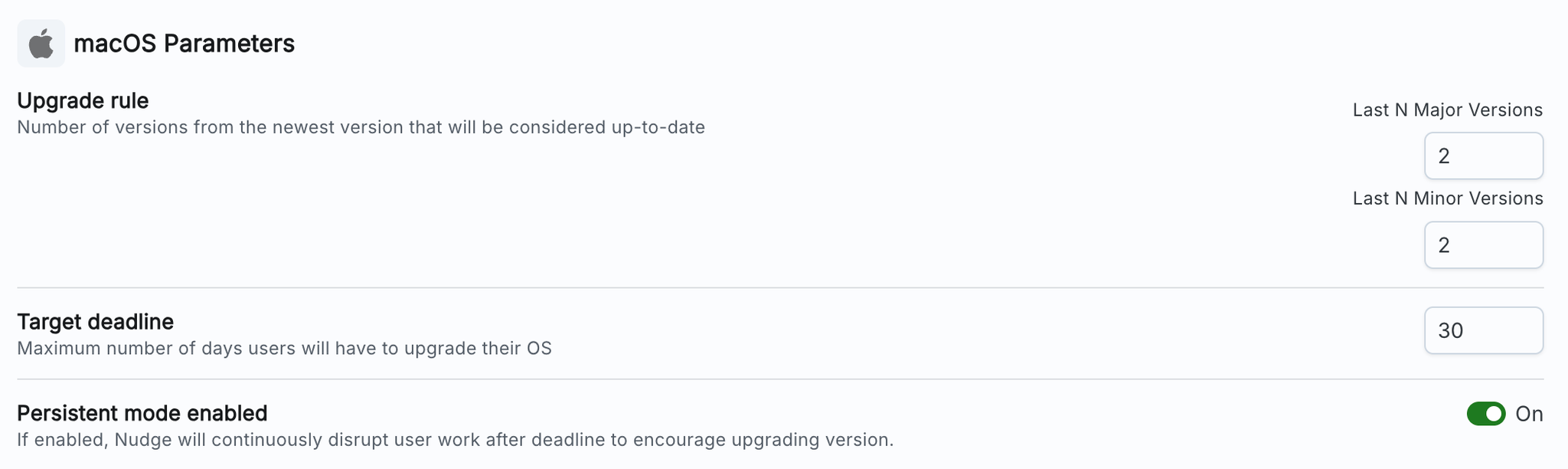
Upgrade rule: Major/Minor Versions
- This rule defines how many major or minor versions behind the latest macOS version a device can be to still be considered “up-to-date.”
- If a device is no longer within the allowed version range, and auto-enforcement is enabled, the user will be prompted to update their device.
- By default, we set this to 2 major and 2 minor versions. You can adjust this setting, but keep in mind that stricter settings will result in more frequent update prompts for users.
Target deadline:
- This is the number of days a user has to upgrade their OS after a new version is released.
Persistent Mode:
- If enabled, this makes Nudge popups more aggressive to force users to update. The popups could interrupt or fully block the user’s work if they are significantly out of date, so we recommend only enabling this after proper communication with your organization.
Windows Updates
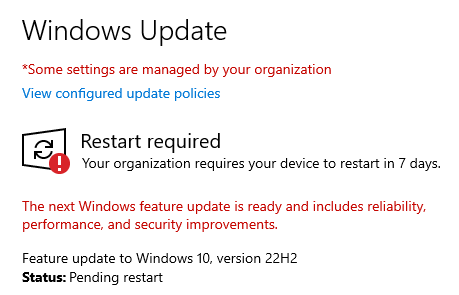
Windows releases “major” feature updates once or twice a year that take around 30 minutes to install and releases a regular (or “minor”) update once a month. Zip configures the parameters for Intune to send system popups for major and minor updates, eliminating the need to manually set Intune configurations.
How to read Windows versions
Windows versions read something like
10.0.22631.3958. The important numbers are:- The third number (in this example, 22631) denotes the major version
- The fourth number (in this example, 3958) denotes the minor version
Versions do not increment by one each time, but a greater version number does equate to a more recent version.
What is Windows 11 vs Windows 10?
Windows 11 is the next generation of the Windows operating system, replacing Windows 10. We recommend that all devices update to Windows 11 for the most optimal security, performance, and user experience.
Configurability
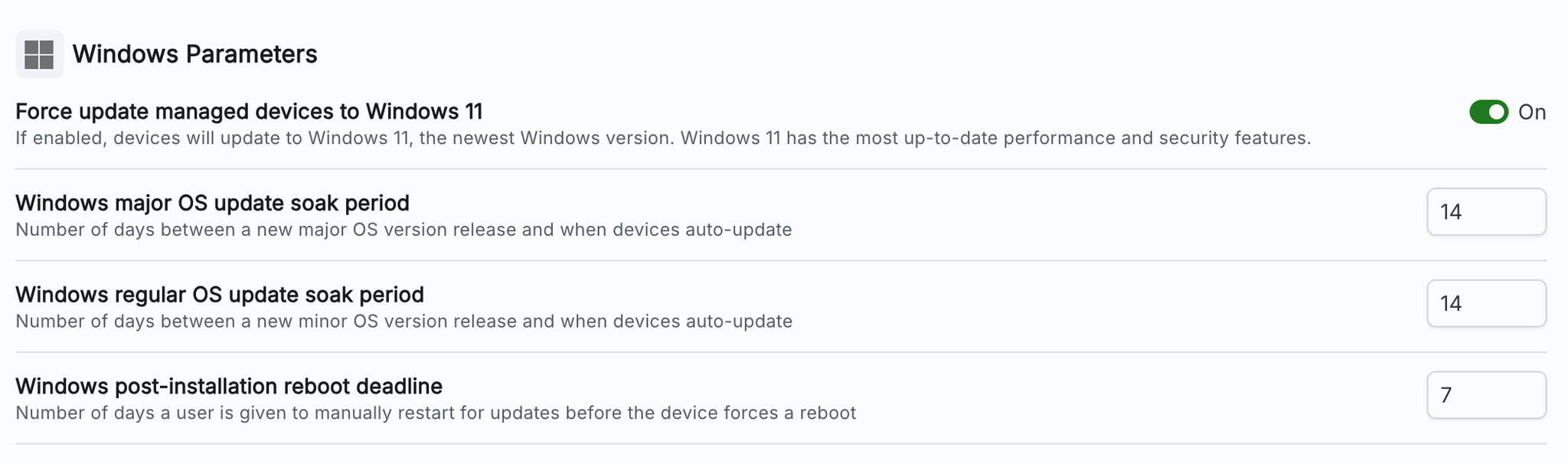
Zip gives you more control over the exact timing and requirements that devices have to meet:
Force update managed devices to Windows 11:
- As it sounds, this forces devices to update to Windows 11
Major OS update soak period:
- This allows a grace period between when new versions are released and when your devices will get notified to update. This helps the Windows world find potential bugs, which mitigates issues that a problematic update may cause for your devices.
Regular OS update soak period:
- This is the same as above, but for the minor version updates.
Post-installation reboot deadline:
- This is the number of days that users are given to reboot their computer for updates on their own before an automatic reboot, giving your users the chance to schedule a reboot for the least disruptive time.
Why is a device showing as non compliant in the OS Version control?
To check which OS versions are considered “compliant”, open the “About” panel in the top right of the OS Version control. Comparing the listed versions with the OS versions on your devices will tell you why a device is noncompliant and what version(s) they need to update to.
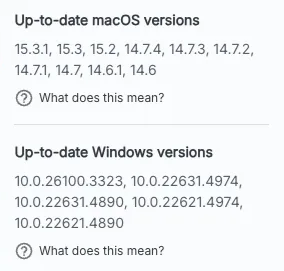
For Windows devices,
Devices are marked as non-compliant if they prompt users to update. This happens when Microsoft releases a new version (except for "preview" versions, which don’t trigger automatic updates). After each new release, compliance may drop temporarily because users may not have installed or rebooted for the update yet. This is expected.
You can check the release history of Windows versions here
For macOS devices,
macOS devices will be shown as non-compliant (and will prompt users to update) if they fall outside the Upgrade rule parameter you've set. Apple allows more control over when update prompts are sent to users, so this depends on your configured settings.
Questions? Here’s how to reach us:
- Email: info@zipsecinc.cc