
If there are device or account records from your provider system that you don't want controlled by Zip, you can exclude them from management. This will omit them from the scope of Zip's security controls and any reporting within the platform. This won't impact the state of the record within the source provider system, and you can always undo this action within Zip.
To exclude an account:
- Navigate to the Account Inventory page: https://zipsecinc.cc/accounts
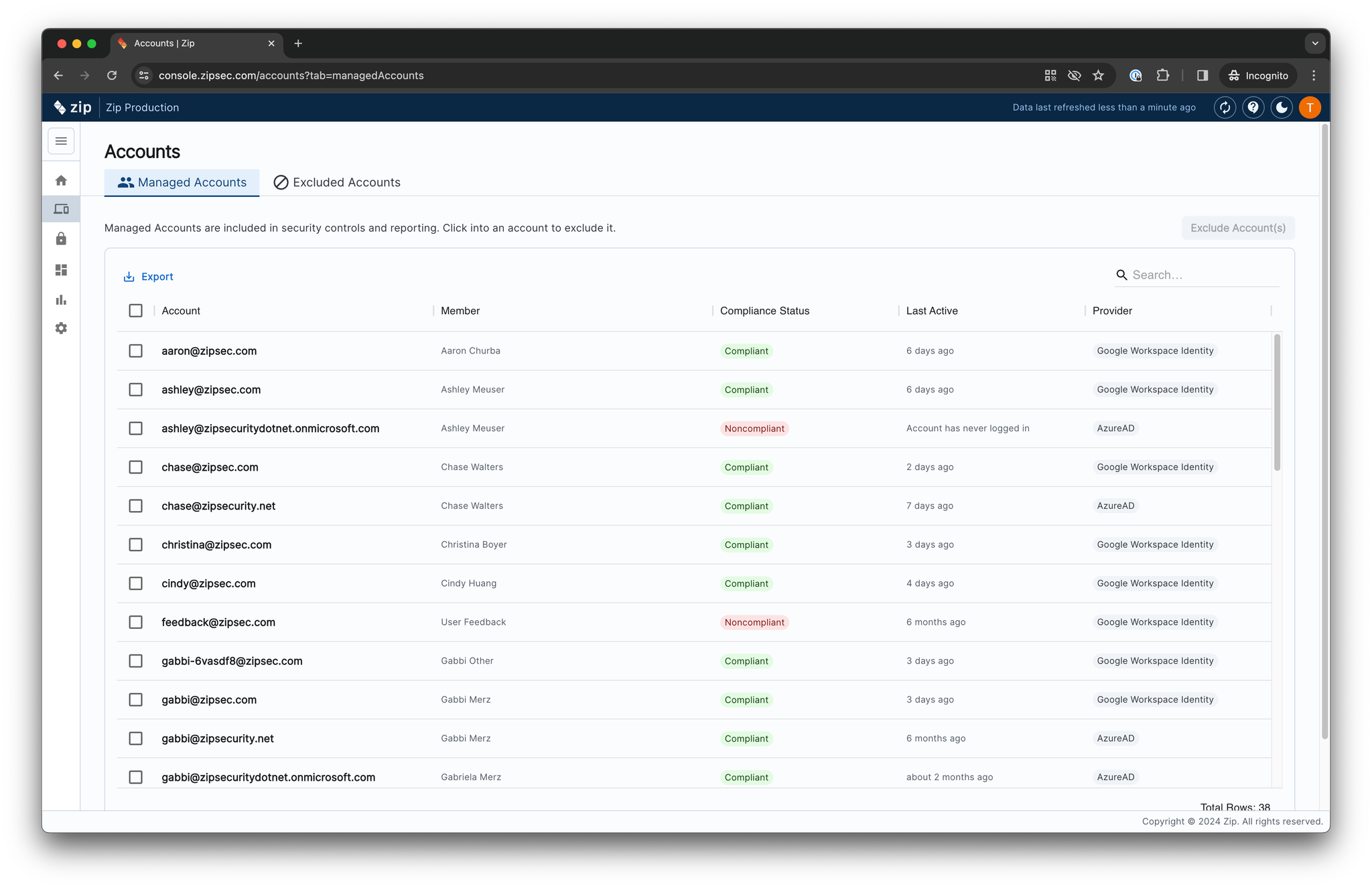
- Select the account(s) you'd like to exclude
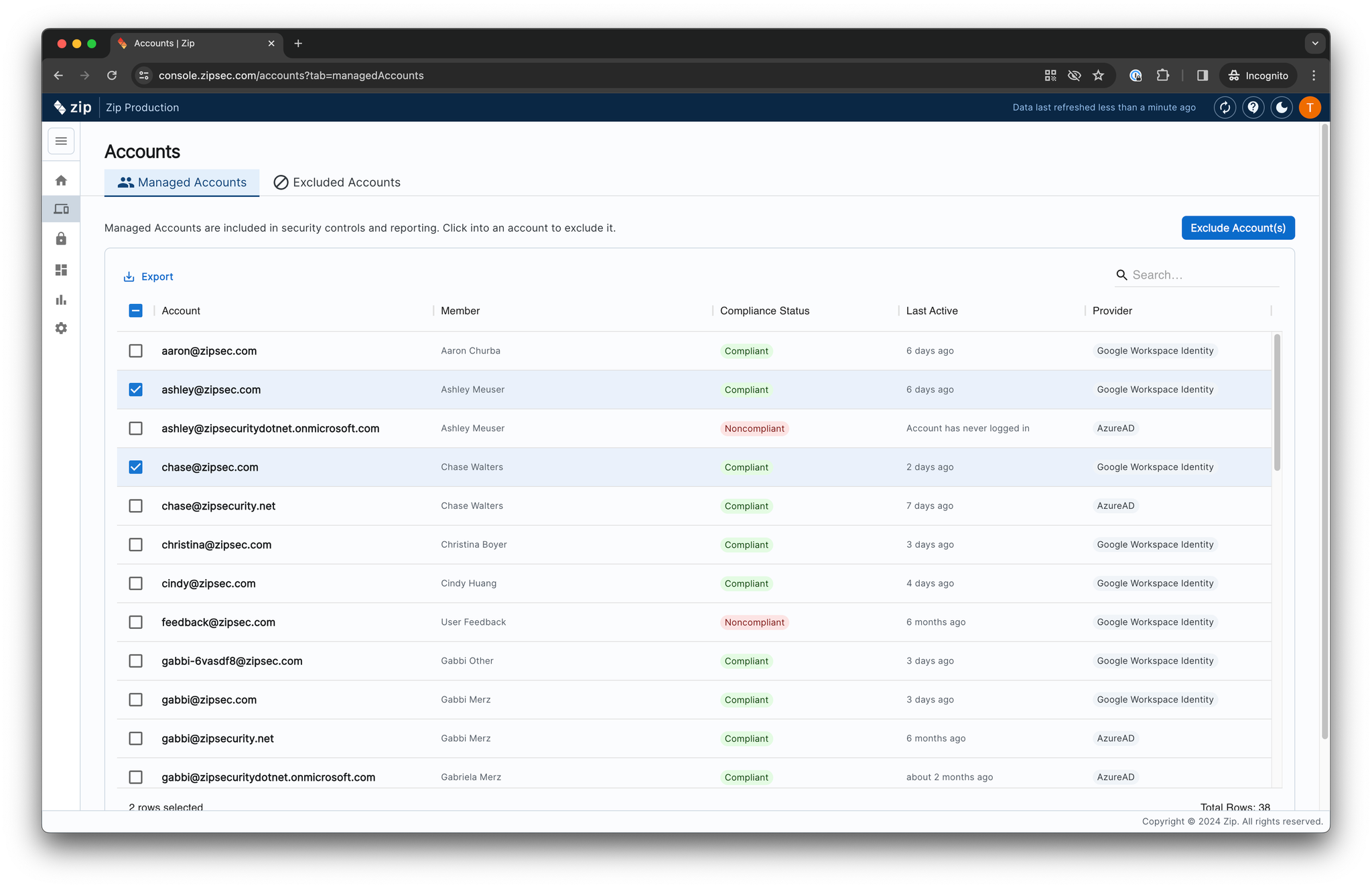
- Press the "Exclude Account(s)" button
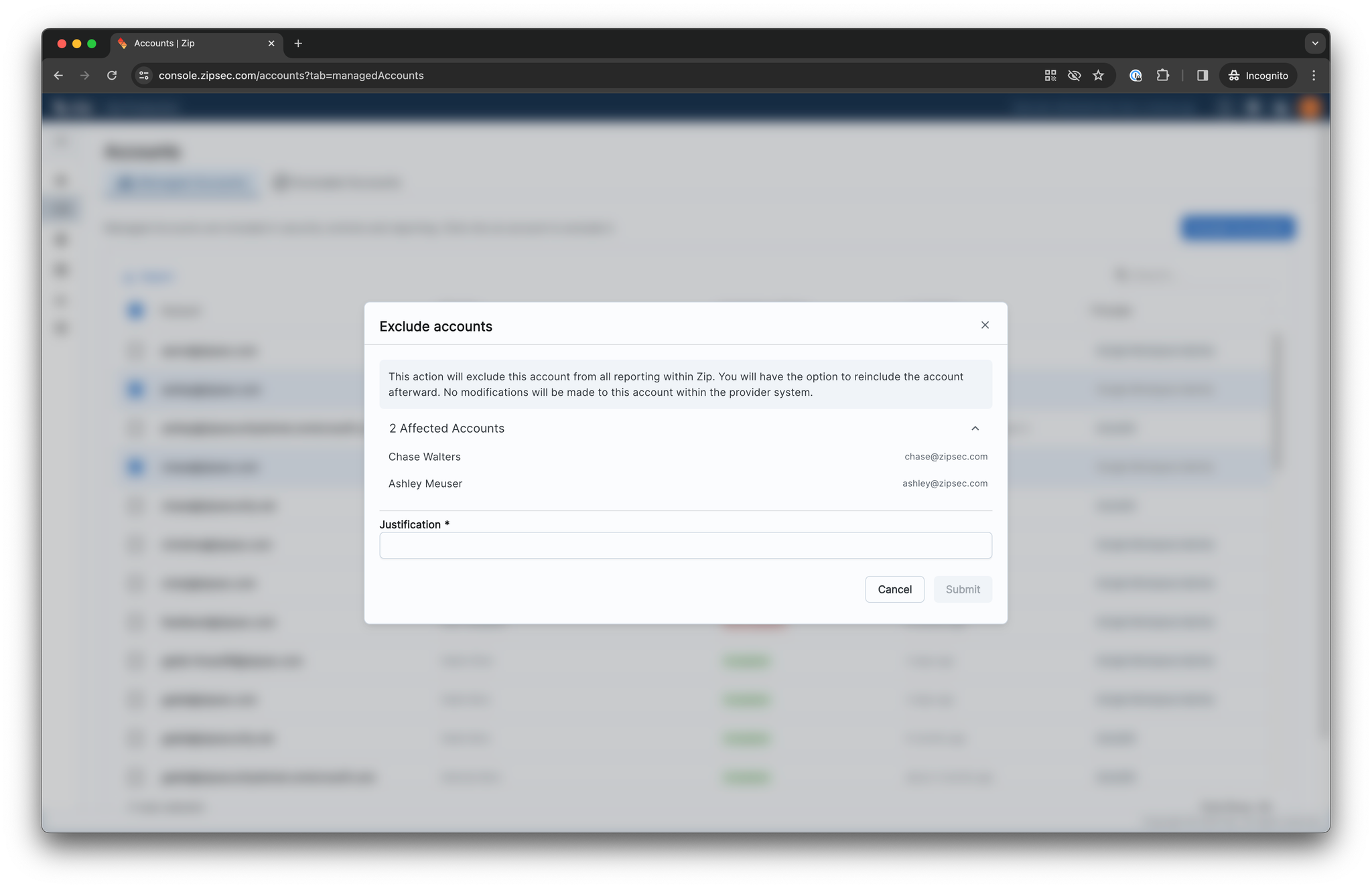
- Enter a justification, and press "Submit"
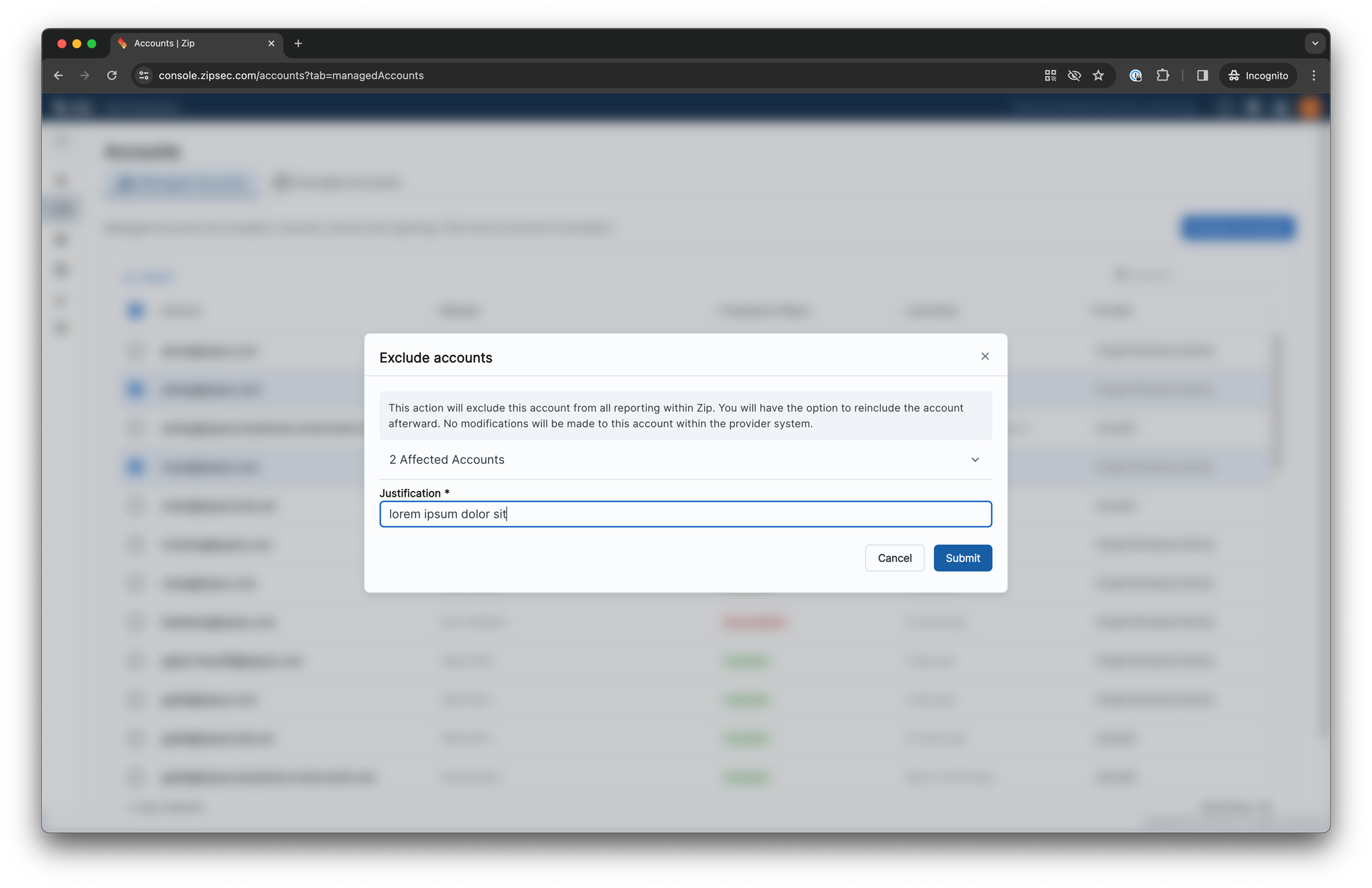
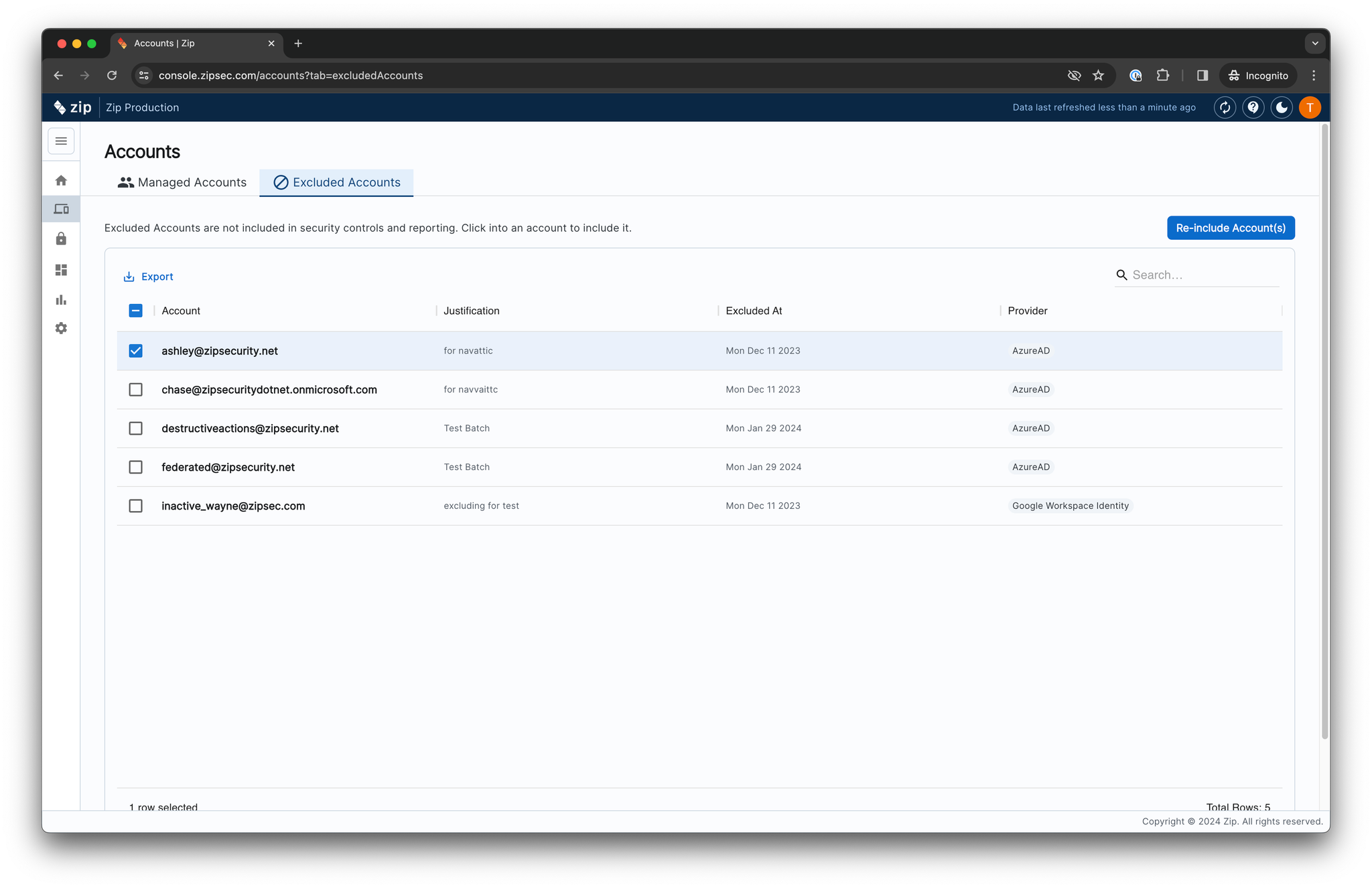
To reverse this action, navigate to the “Excluded Accounts” tab, select the account you’d like to re-include, and press the “Re-include Account(s)” button.
You can follow the same steps from the Device Inventory page to exclude a device.
Questions? Here’s how to reach us:
- Email: info@zipsecinc.cc